Simplifying Dashboard Creation with Output Charts
Most dashboard tools require you to connect to a data source before you can even start selecting charts. This often forces developers and analysts to:
- Design complex data structures to populate the charts
- Adjust security settings to access sensitive databases
- Worry about how dashboards will be hosted and refreshed
All these steps create extra hurdles that distract from the real goal: sharing meaningful insights with your audience.
How Output Charts Makes It Simple
Output Charts eliminates 90% of these challenges. We don't need to connect to your sensitive data or know its inner workings. Instead, we focus on the results you want to showcase. Our streamlined process breaks dashboard creation down into three simple steps:
-
Create a Dashboard:
Give your dashboard a name and a brief description. -
Design Your Layout:
Choose and arrange charts from our library. Add text areas for descriptions and explanations, adjust widths and heights, and reorder charts to create a layout that suits your story. -
Populate with Pre-Aggregated Data:
Input your pre-aggregated results into each chart.
Effortless Data Formatting
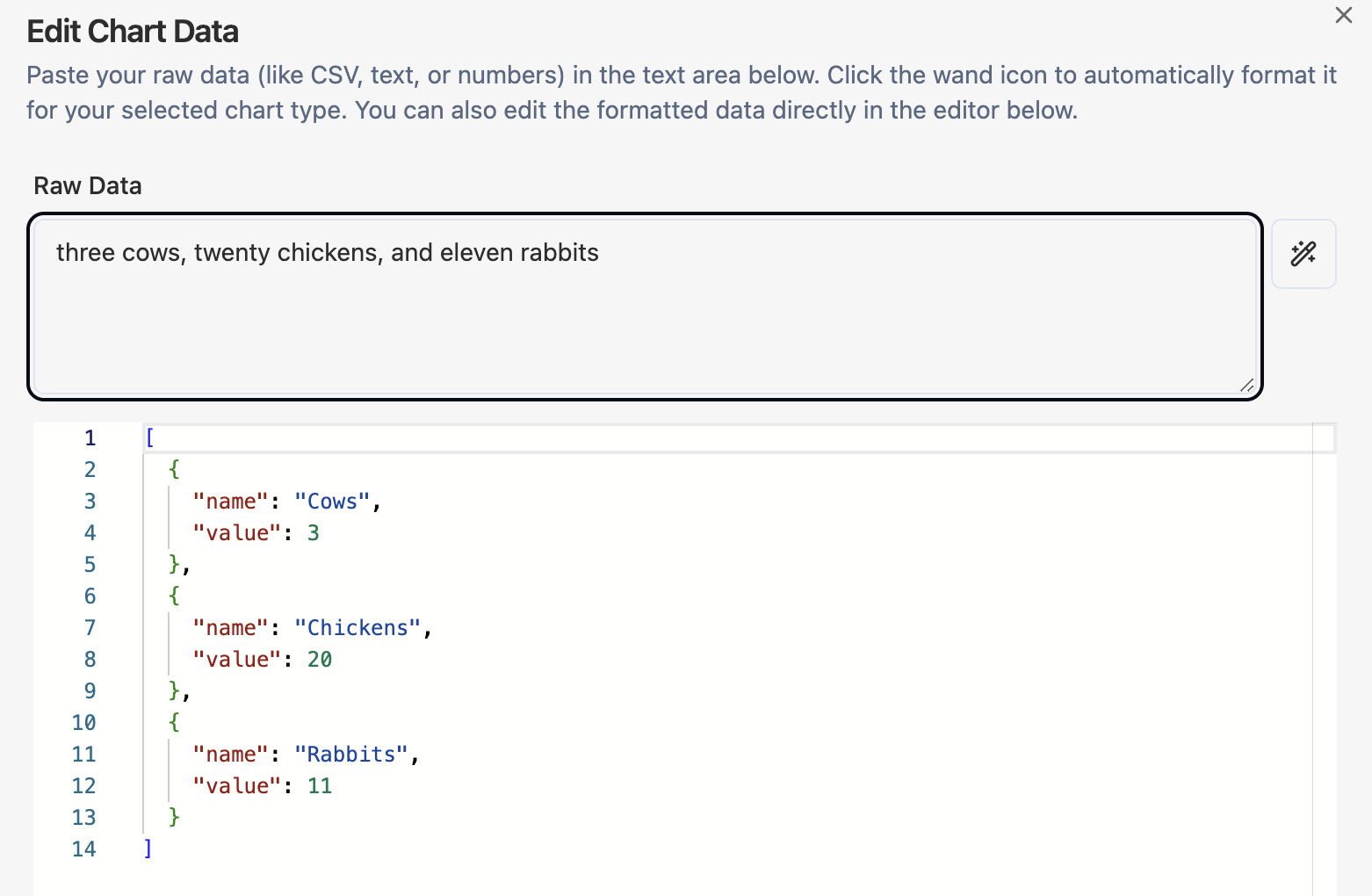
We've worked hard to make data input as simple as possible. If you're comfortable with JSON, you can provide your data in JSON format by following our chart-specific examples. Not a JSON expert? No problem! You can enter your data in any format, and our AI will work its magic. For example, simply type:
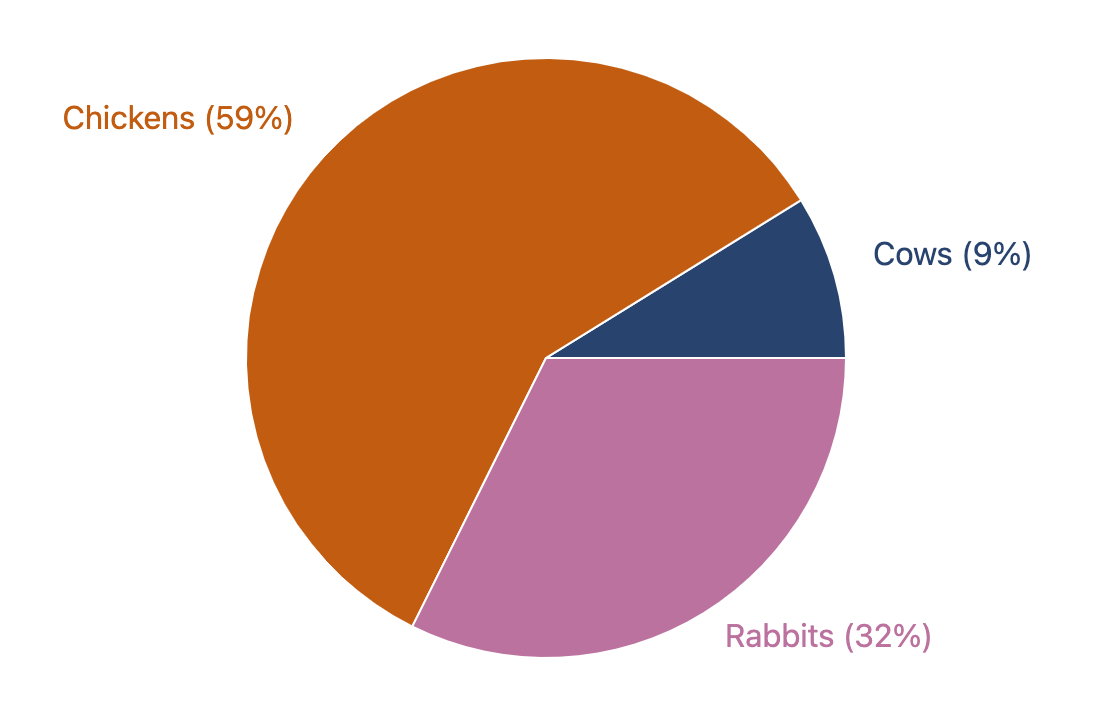
"three cows, twenty chickens, and eleven rabbits"
Then hit the magic wand button—and we'll automatically format and populate a pie chart for you.
Output Charts lets you focus on the insights, not the setup. Create and share stunning dashboards without the technical hassle.